Supervisor
Staff Registration
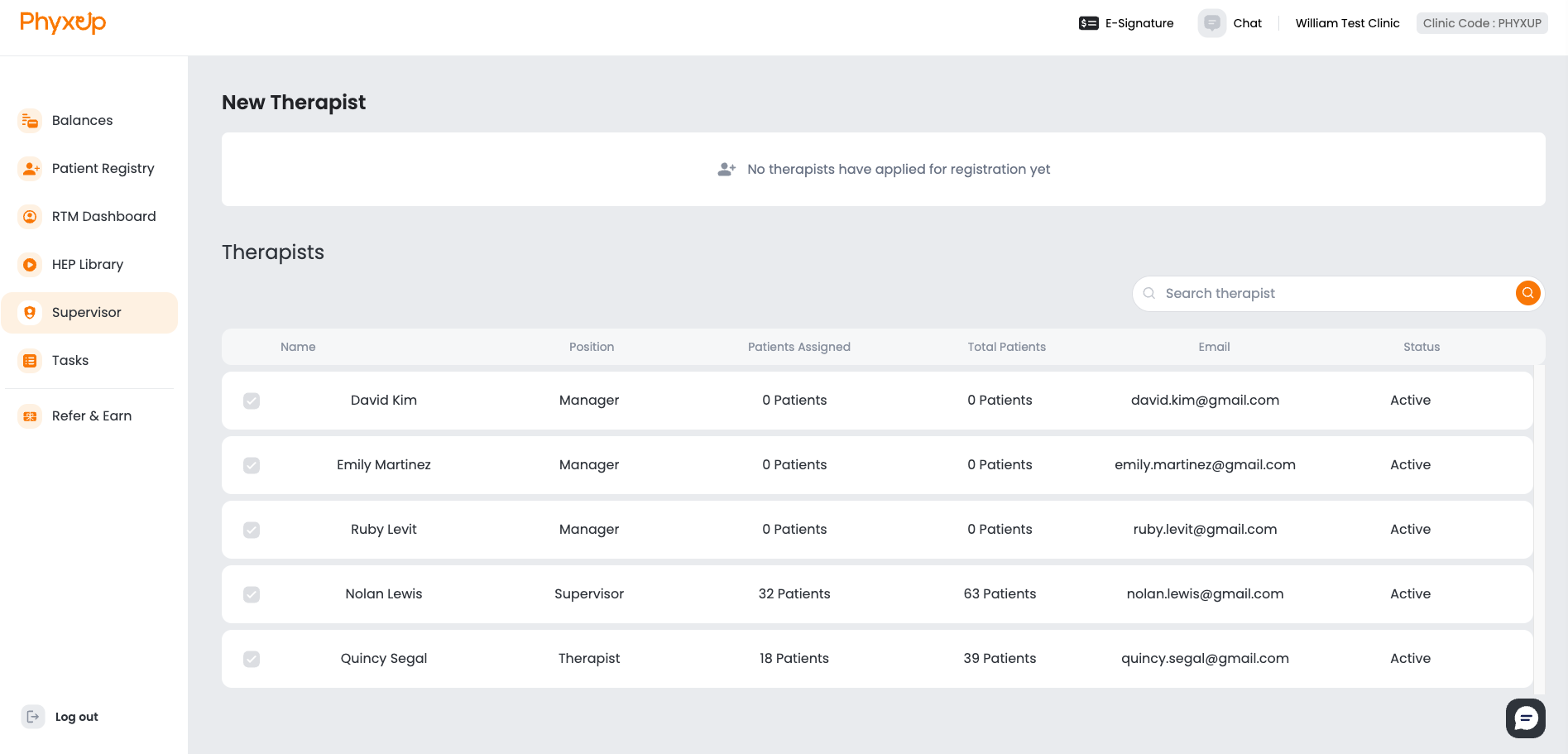
To register new therapists or office managers, have them create an account on the PhyxUp Health login portal using the Sign Up option. During account creation, users must enter your clinic’s 5-digit Clinic Code, which is displayed in the top-right corner of the platform.
After an account is created, the registration request will appear in the Supervisor account for approval.
Account Types
The PhyxUp Health web RTM platform supports three types of user accounts:
Supervisor
• Register, edit, discharge, and delete patients
Staff Therapist
• Register, edit, discharge, and delete patients
• Add patient monitoring time
Office Manager
• Register, edit, discharge, and delete patients
Note: Only Staff Therapists can add monitoring time.
If a patient is assigned a remote therapist under the Fully Managed RTM Service,
only the assigned remote therapist may add monitoring time.